Mostly Python, Docker and stubbornness. Usually started because I needed one tiny thing, then looked up three hours later and discovered I had built an ecosystem.
💖
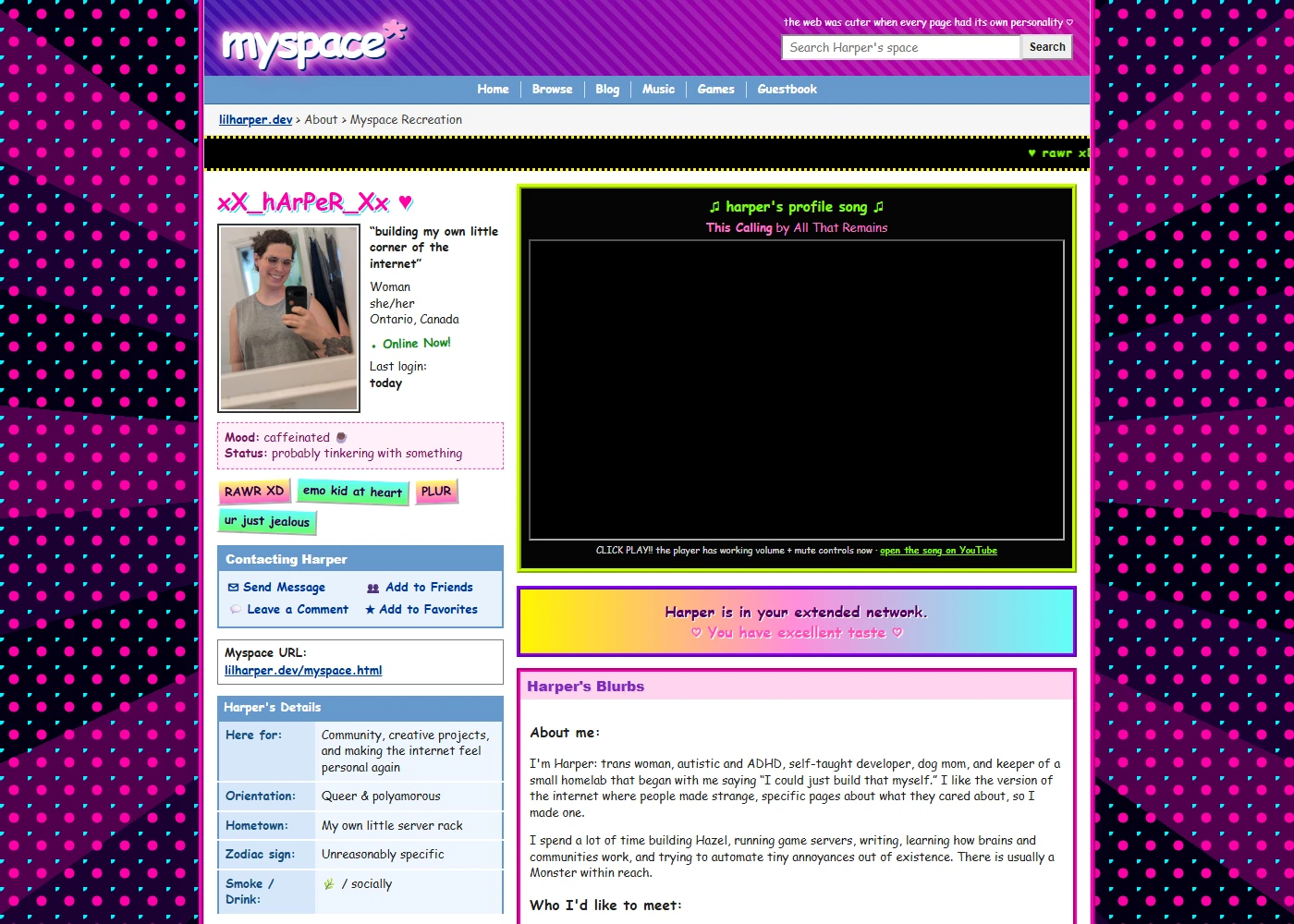
Myspace Recreation
A personalized little disaster from the 2006 internet
A standalone profile page built to feel like somebody spent an entire evening editing layout code they only half understood. It has the classic two-column profile, a real Top 8 with Tom in the first spot, awful tiled backgrounds, Comic Sans, neon stickers, scrolling status text, a profile song, blog blurbs and fake comments from the internet, my server and Harley.
The nostalgia is intentionally messy, but the implementation underneath still behaves like the rest of the site. The photos stay square instead of stretching, the page adapts to phones, reduced-motion settings stop the flashing pieces, the music player uses working native controls, and every fake Myspace action leads somewhere real on lilharper.dev.
Small, readable pieces from the code that powers Hazel and this site. Each one includes the result beside it, plus a Discord-ready copy button that adds the fenced formatting for you.
Hazel
16,385Python lines across 36 production files and 29 module files
Hazel Care
7,519source lines across 25 Python files and one web interface
lilharper.dev
48,584front-end source lines across 173 files, serving 45 public pages
Counted from the source folders on July 30, 2026. These are physical lines, including comments and intentional whitespace, with backups, dependencies, generated builds and retired files excluded.
css/myspace.css
The intentionally terrible wallpaper
Layered CSS gradients create the tiled neon background without a repeating image file. Comic Sans and a crosshair cursor finish the period-correct damage.
body {
  color: var(--my-ink);
  background:
    radial-gradient(
      circle at 15px 15px,
      #ff00a8 0 5px,
      transparent 6px
    ) 0 0 / 30px 30px,
    radial-gradient(
      circle at 0 0,
      #00f5ff 0 4px,
      transparent 5px
    ) 0 0 / 30px 30px,
    repeating-conic-gradient(
      from 45deg,
      #1b0033 0 10deg,
      #50004e 10deg 20deg,
      #030013 20deg 30deg
    );
  background-attachment: fixed;
  font-family: "Comic Sans MS", Arial, sans-serif;
  cursor: crosshair;
}
css/myspace.css
The Top 8 image repair
The explicit auto height is the important line. It stops each image's original HTML dimensions from stretching the tile after the grid has chosen its width.
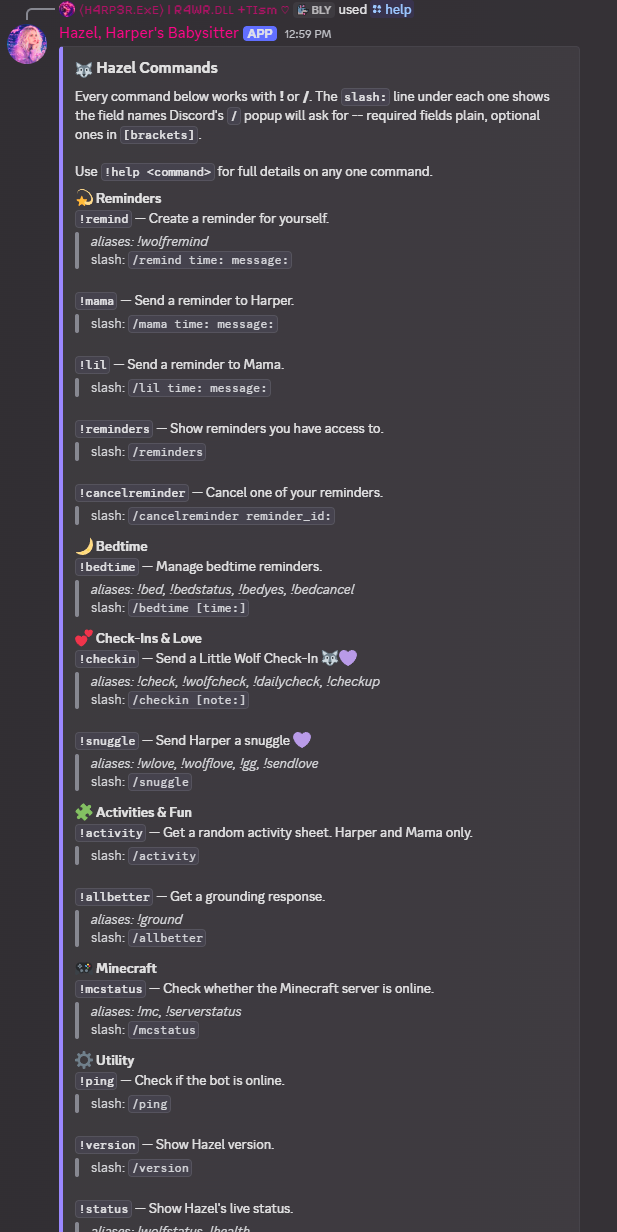
Hazel builds this Discord embed from a deliberately small category map. Commands that are not listed still fall into “Other,” so nothing silently disappears.
CATEGORIES = [
    ("⚙️ Utility", ["ping", "version", "status", "help"]),
]

def build_overview_embed(bot) -> discord.Embed:
    embed = discord.Embed(
        title=f"🐺 {BOT_NAME} Commands",
        color=0x8E7DFF,
    )

    for category_name, command_names in CATEGORIES:
        lines = [
            _command_line(bot.get_command(name))
            for name in command_names
            if bot.get_command(name)
        ]
        if lines:
            embed.add_field(
                name=category_name,
                value="\n\n".join(lines),
                inline=False,
            )

    return embed
🧠
Hazel
Personal Assistant & Community Management Bot · running since late 2024
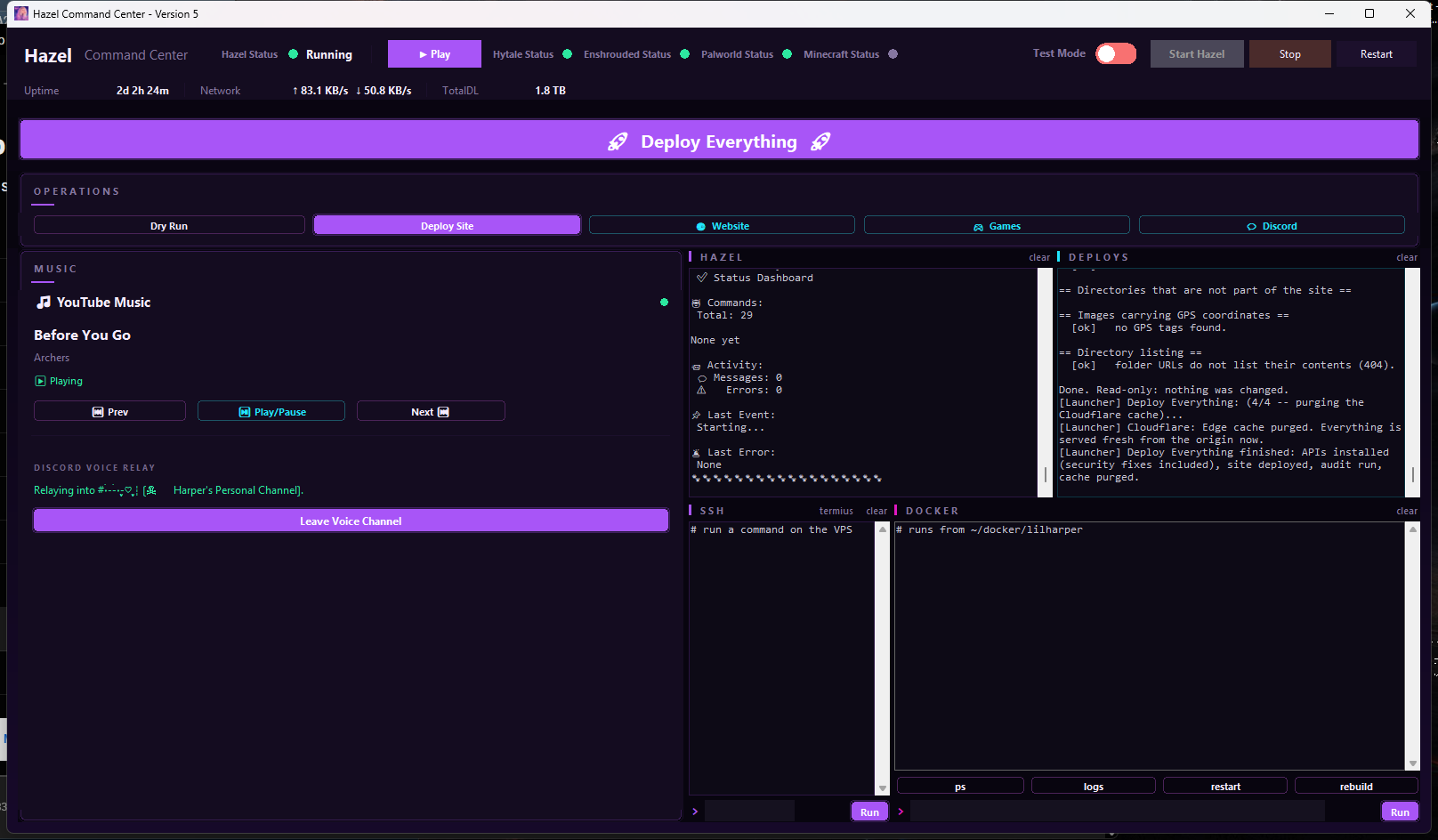
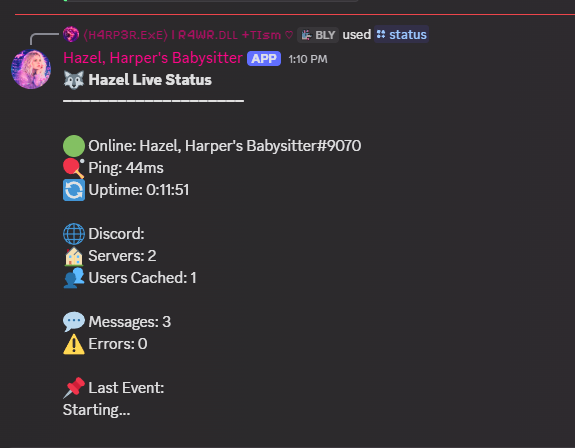
Hazel is a modular Discord bot, personal assistant and increasingly ridiculous command centre. I've been building and expanding her for over a year. She started as a simple reminder bot and grew into a whole ecosystem: routine tracking, moderation, community management, music relaying, server controls, site deployment, and the tiny quality-of-life buttons I keep adding because apparently opening a terminal counts as unacceptable friction now. Hazel is what powers my private community and a surprising amount of my day.
Technical deep dive: architecture and music relay
The modular part is the whole trick. Every feature lives in its own cog, so a broken experiment takes down one command instead of the entire bot, and I can add something new at midnight without touching anything that already works. That's the only reason a project this size has survived being maintained by exactly one person who does this for fun. I don't have a team to catch my mistakes, so the architecture has to do it for me.
🎵 The music relay, and why it isn't a music bot
Hazel can now play my music into a Discord voice channel, and the way she does it is the interesting part. She doesn't download anything, search anything, or pull a single byte from YouTube. Every music bot that got shut down (Rythm, Groovy, and the rest) died because it was extracting streams from a service that didn't want to be extracted from. So this does the opposite. It's a relay, not a player.
The signal path is the same one a physical cable would take. My music plays on my own desktop as normal. VoiceMeeter, a virtual audio mixer, takes that audio and splits it two ways: out to my headphones so I still hear it, and out to a virtual recording device. FFmpeg opens that virtual device exactly as it would open a microphone, and hands the live audio to Hazel's Discord voice connection. Whatever is coming out of my speakers is what the channel hears, a second later. Nothing is stored and nothing is fetched. If I pause the music the stream goes quiet, because there was never a file involved at any point.
The other half is the remote control. The YouTube Music desktop app runs a small local server for exactly this purpose, so the Command Centre pairs with it once and can then show what's playing and drive play, pause, skip and volume. It's a remote, not a second player: press skip in the app, on my keyboard, or in Hazel, and all three are looking at the same thing.
Two details I wouldn't have guessed before building it. Discord voice channels default to settings tuned for speech, and music through a speech-optimised encoder sounds like a phone call, so the encoder gets explicitly told it's carrying music and handed the channel's full bitrate. The second one is nastier. If anything downstream stalls for even a moment, a live capture will silently discard audio instead of waiting, and you hear that as random stuttering, not as an error. So FFmpeg gets a much larger input queue than its default of eight packets.
Despite the shared name, this is a completely separate project from the Discord bot above. Hazel Care is a standalone desktop app: a native window over a local FastAPI server, with its own SQLite database and no AI in it anywhere. It's a reminder and checklist engine built to take as much executive function out of the loop as possible. Water, medication, meals, habits, routine and tasks all live in one panel, with a "Right now" card at the top so there's one decision on screen instead of a wall of them.
The alert engine is the actual product. Nothing is pre-scheduled: one job runs every minute and re-derives what's due straight from the database, so reminders survive the PC sleeping, the app restarting, or me editing something halfway through the day. If I ignore an alert it repeats and climbs in priority. It doesn't quietly disappear. It goes to the desktop, and to my phone over ntfy once I have clearly stopped looking at the screen. All of it runs offline on my own machine, because a self-care tool that stops working when a key expires is worse than no tool at all. You only find out on the day you needed it.
Home-hosted Jellyfin library with a locked-down public doorway
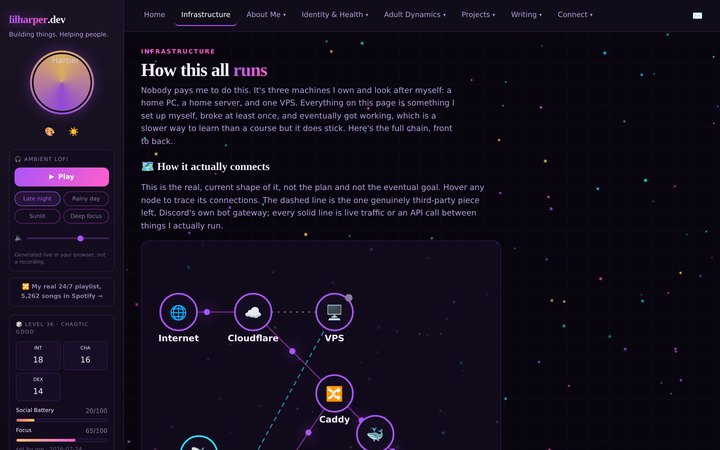
The video files stay on my home PC because that is where the storage already is. Jellyfin turns them into a real library, but I did not want to expose port 8096 or my home address to the internet just to watch something in a browser. So the PC opens an outbound reverse SSH tunnel to my VPS instead. Caddy talks to that private Unix socket and gives the service HTTPS at watch.lilharper.dev.
The tunnel uses its own SSH key, separate from the key Hazel uses to deploy this site. If Jellyfin is closed, the public address fails closed with a 502 instead of opening a different route into the house. It is exactly my favourite kind of project: slightly overbuilt, easy to restart, and invisible once it works. The Infrastructure page shows the full path.
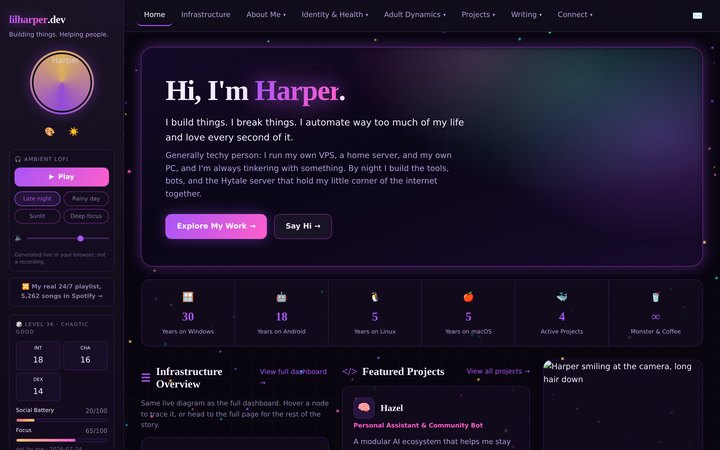
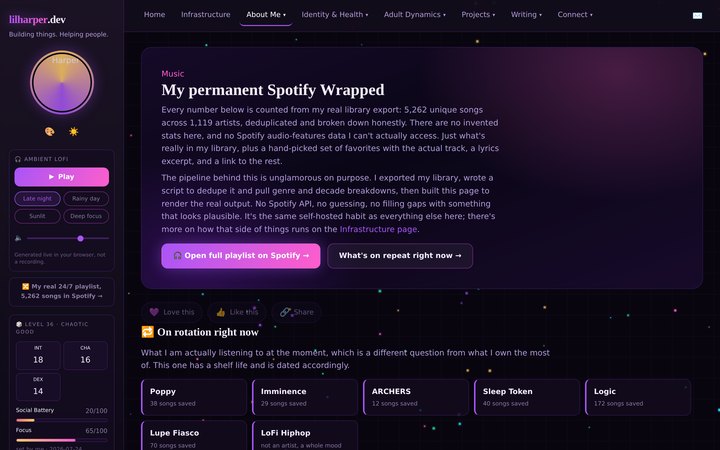
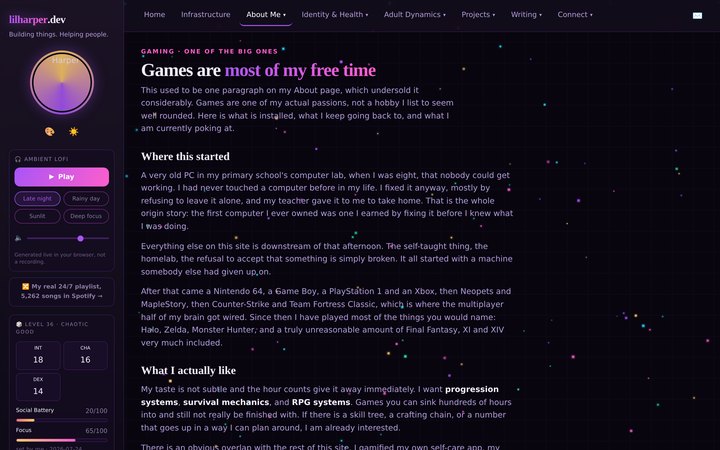
This site is a project too, and the largest one on this page by a distance. A few captures of what it currently looks like. The running record of how it got here is on the changelog.
Home, with the live topology diagram.Infrastructure as a network map, live status on the VPS node.The genre galaxy: 150 artists, 215 sourced connections.The hours chart, keeping measured and estimated figures apart.
Everything under Projects
What I have built, what's running right now, and the record of how it got that way.